Procore: Mobile Push Notifications - Content Audit & Strategy
Content Audit
Opting In to Push Notifications & Selecting Tools
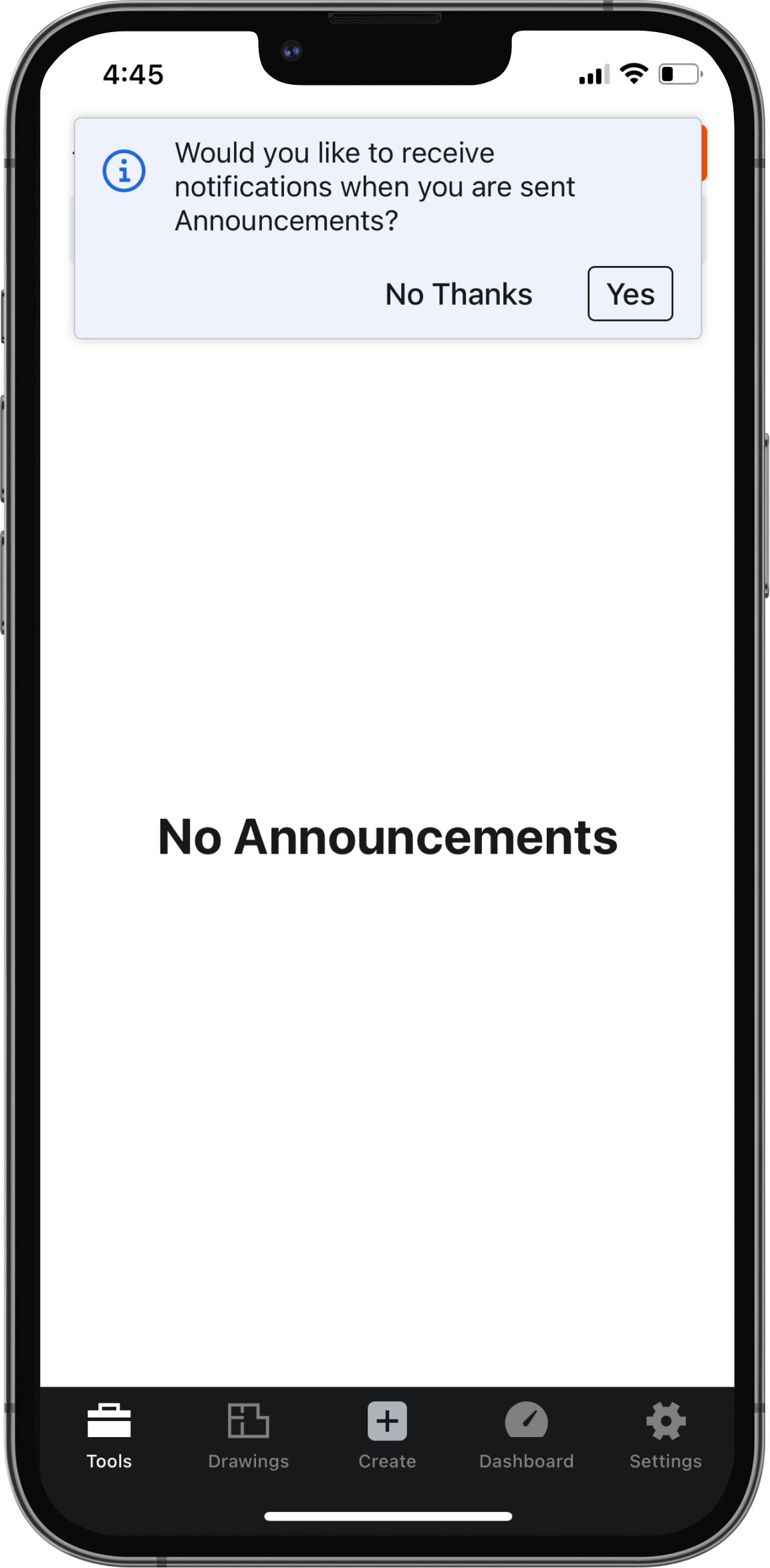
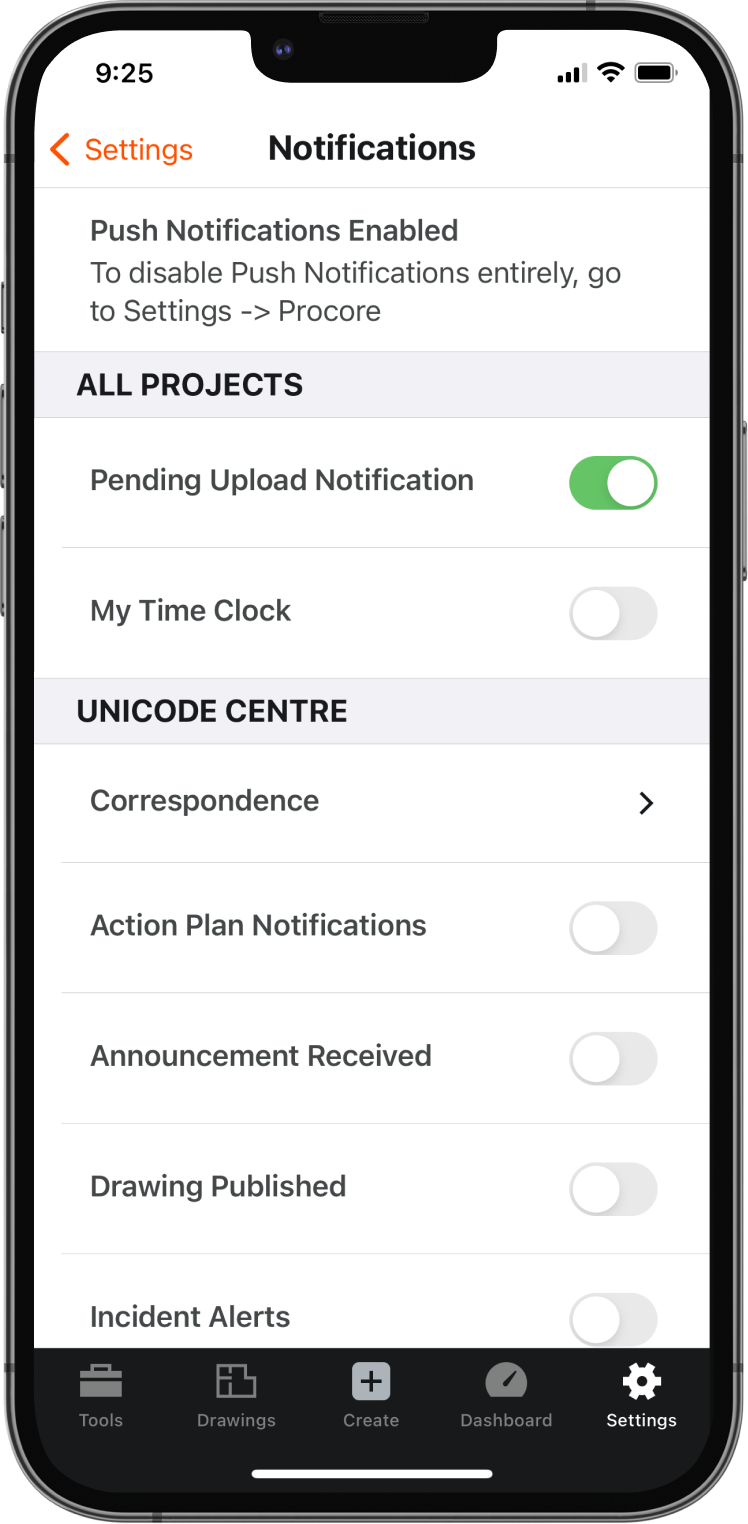
Users are prompted with a banner to opt in to notifications when entering a tool for the first time for a given project. Notification preferences are specific to each project.
Push notifications are limited to only certain tools and notification events within those tools.
Users have no way to receive push notifications for other tools or events that may be important to their work process.
Issues Found
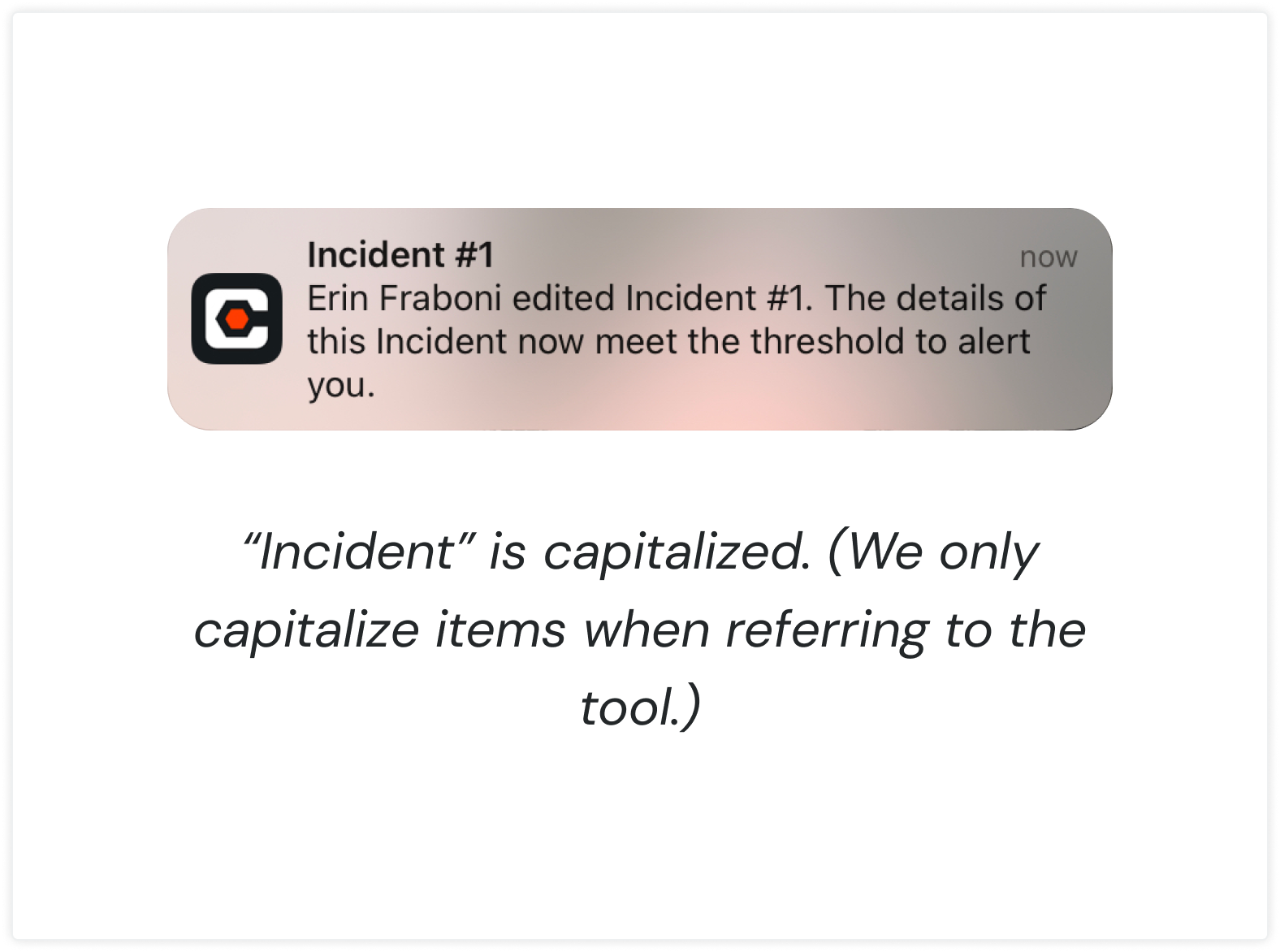
The content was inconsistent and did not follow any rules or patterns. For example, some push notifications would use the app name (Procore) as default title and some would use the item name and number.
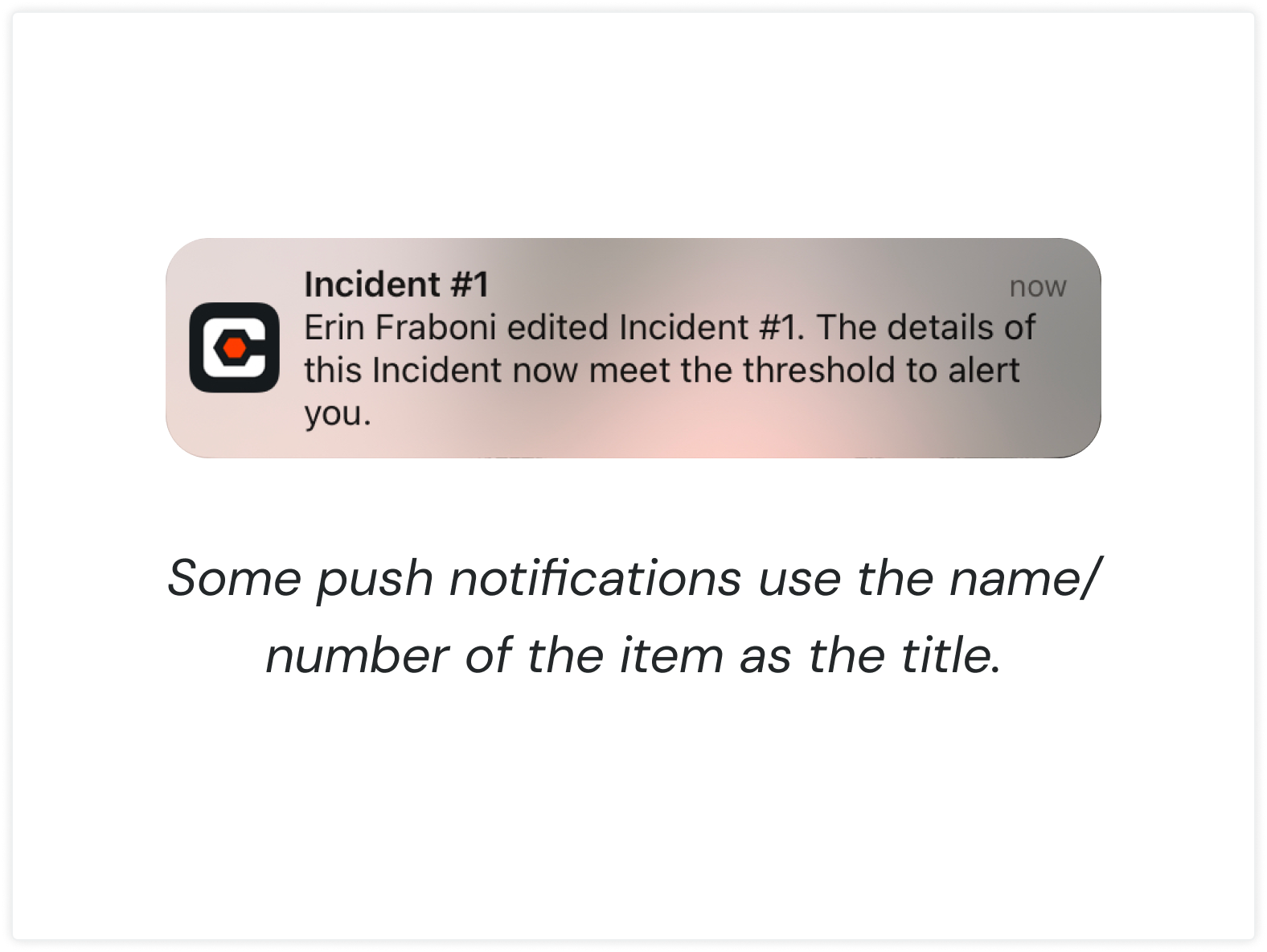
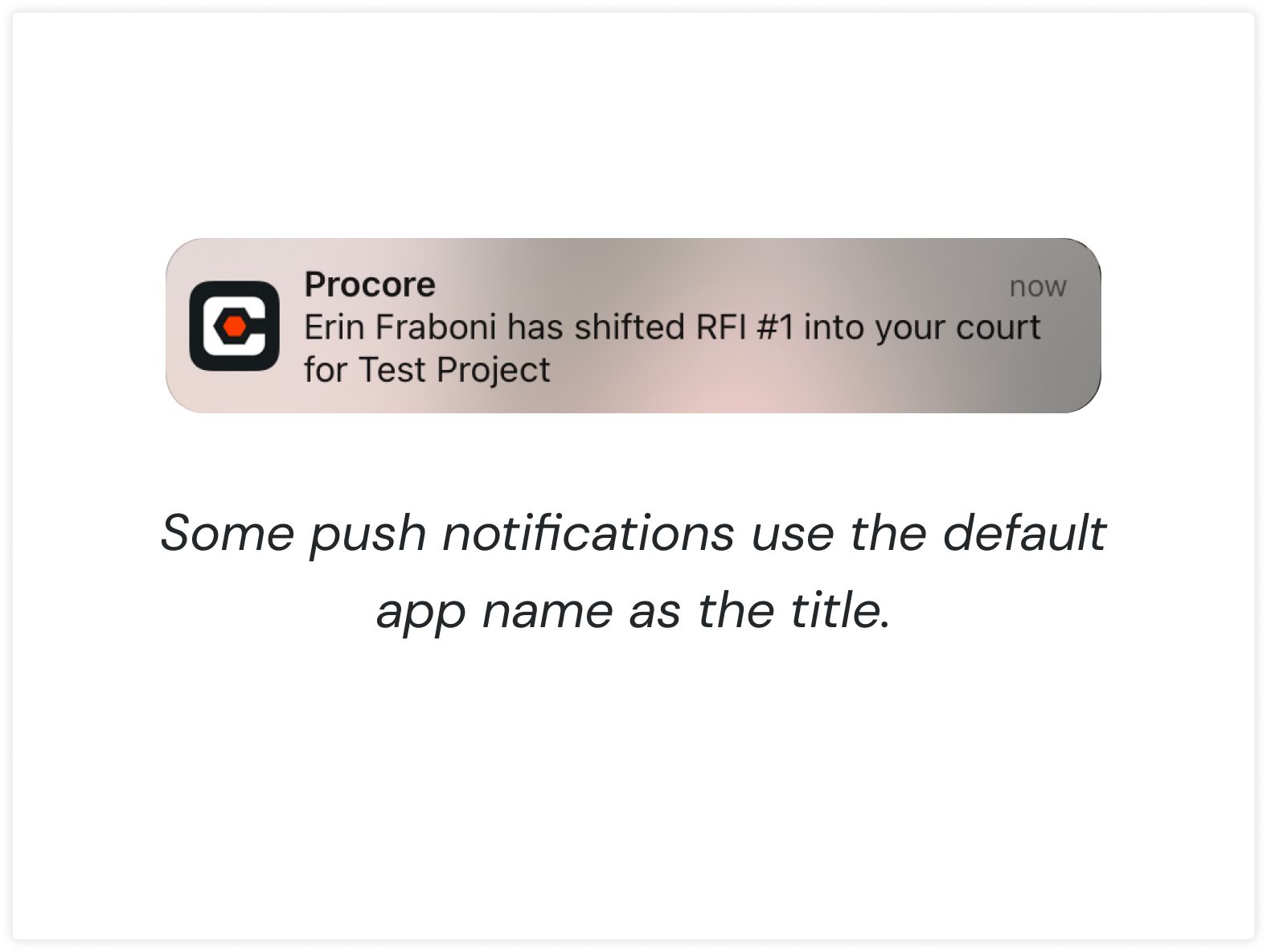
Most notifications lacked context or provided low-value information
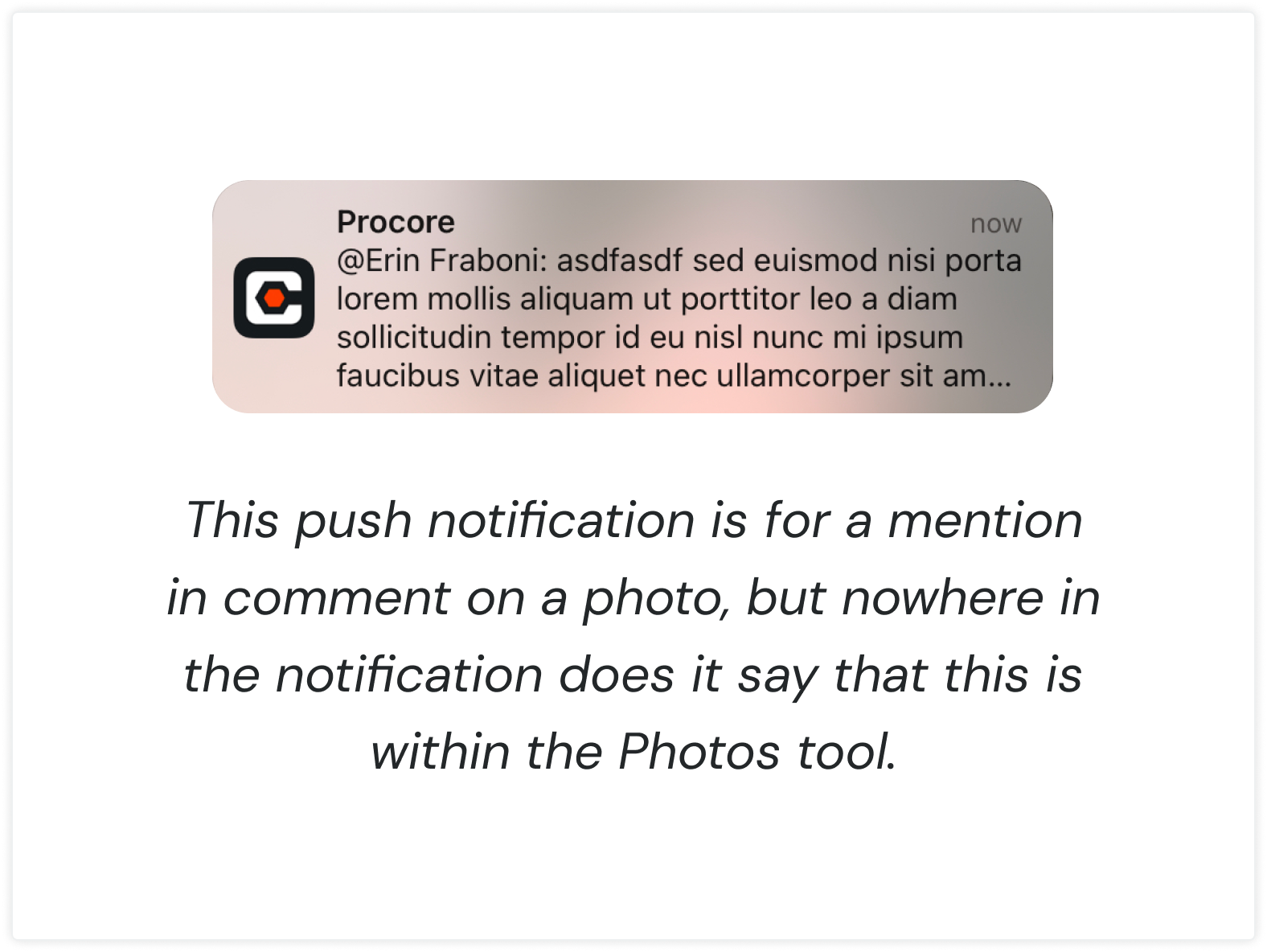
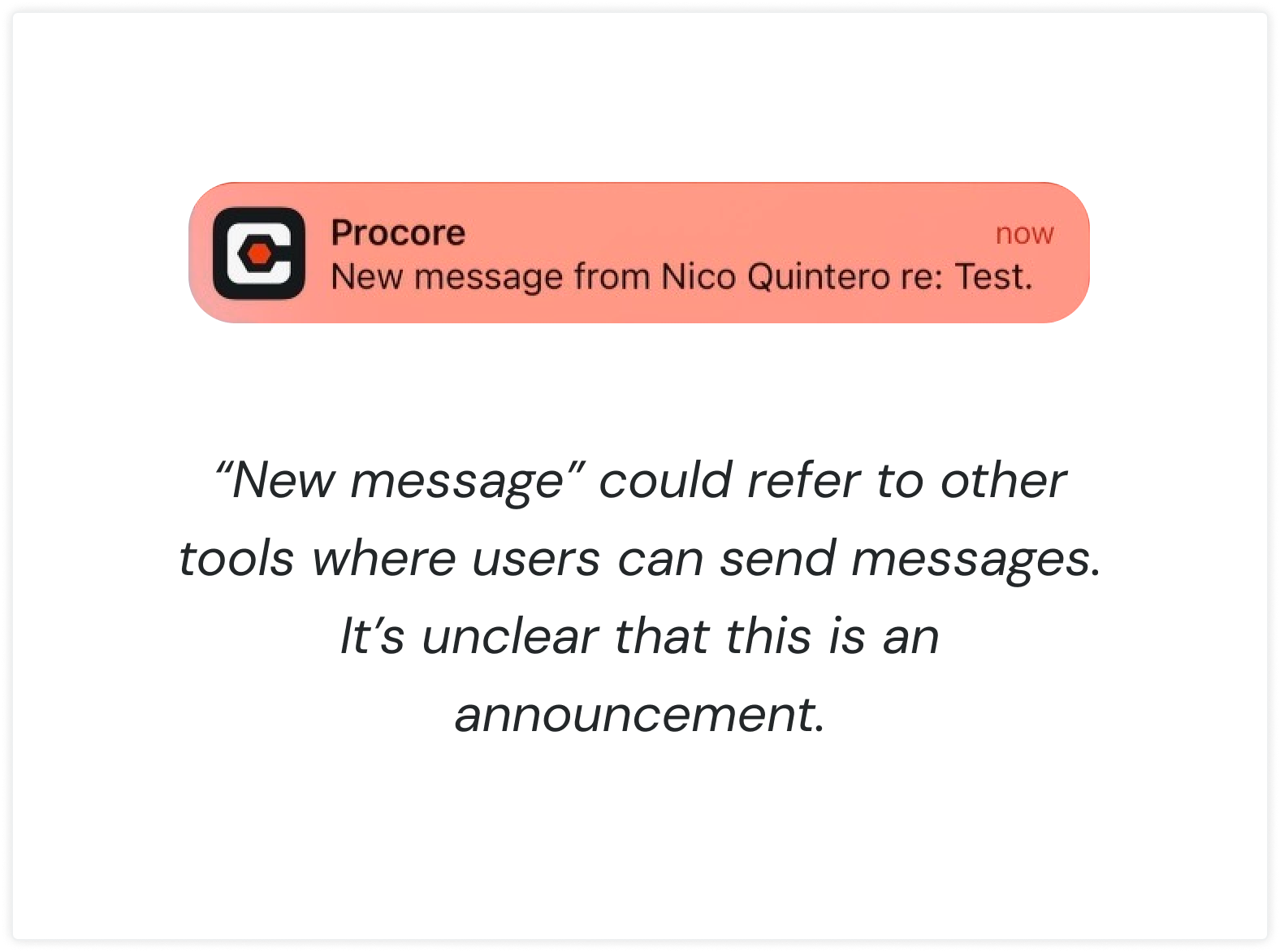
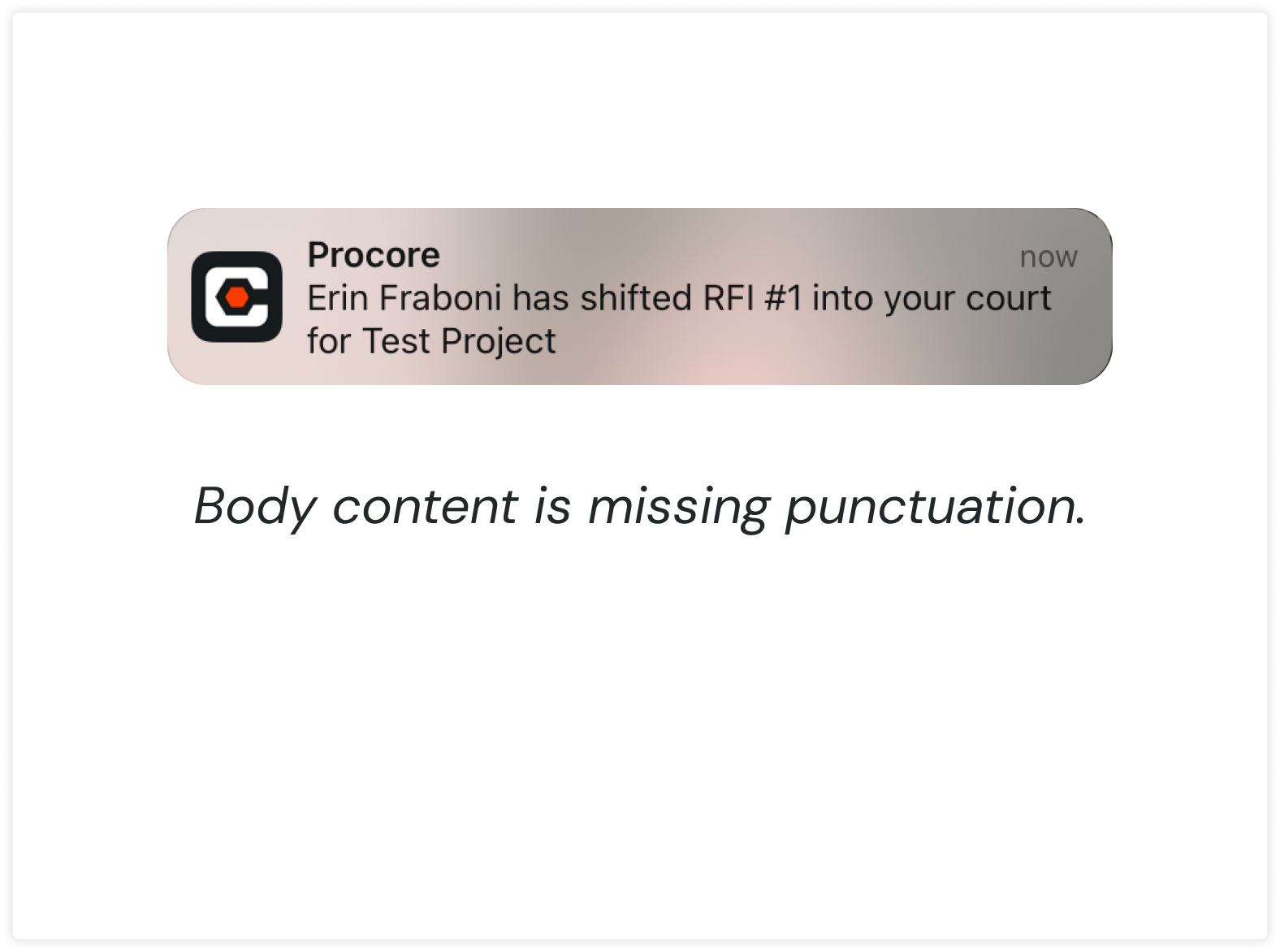
Many notifications didn’t follow the writing guidelines we defined in our Design System.
Recommendations
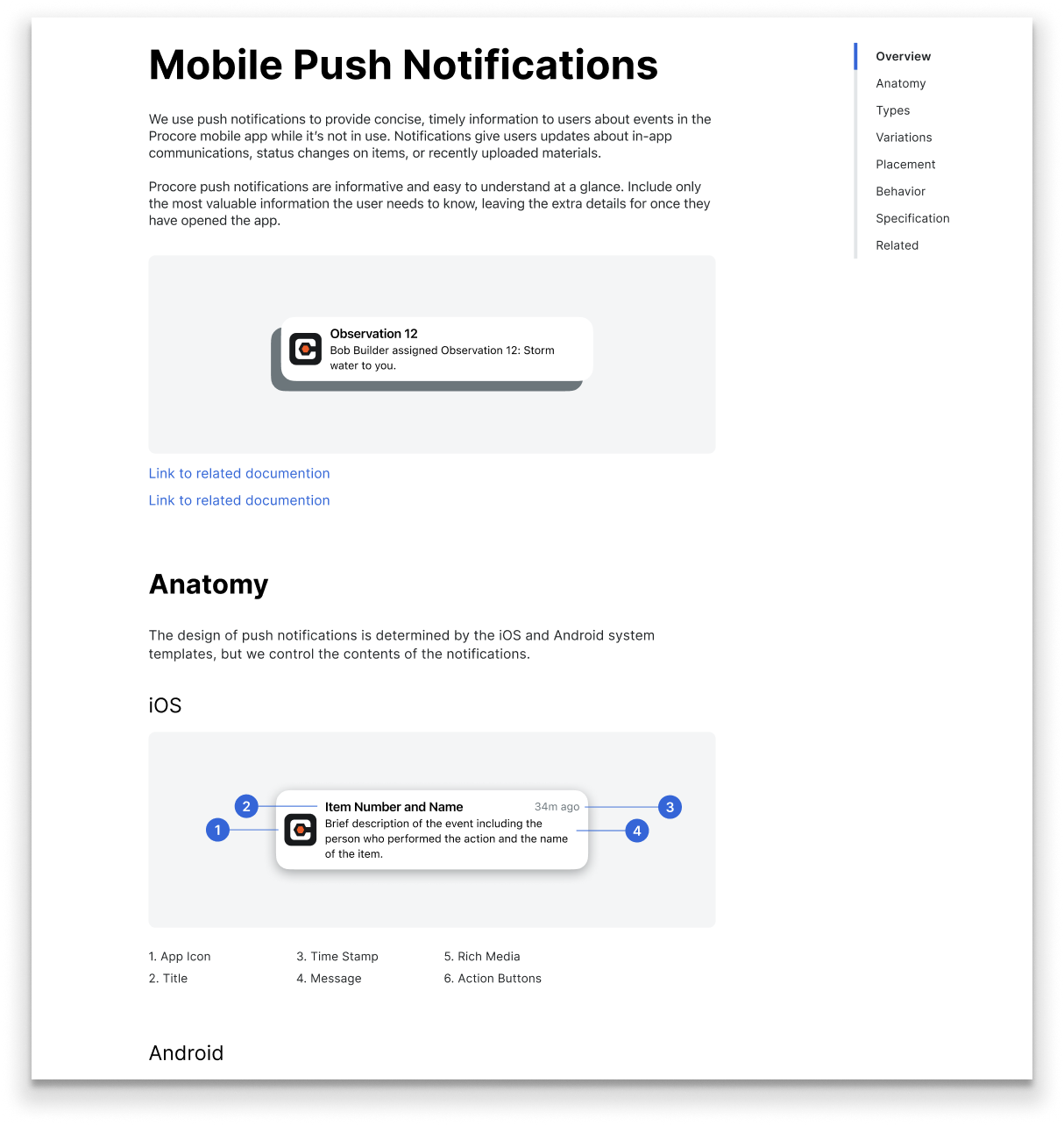
Push Notifications Guidelines
I created content design guidelines that would help to standardize the content across push notifications.
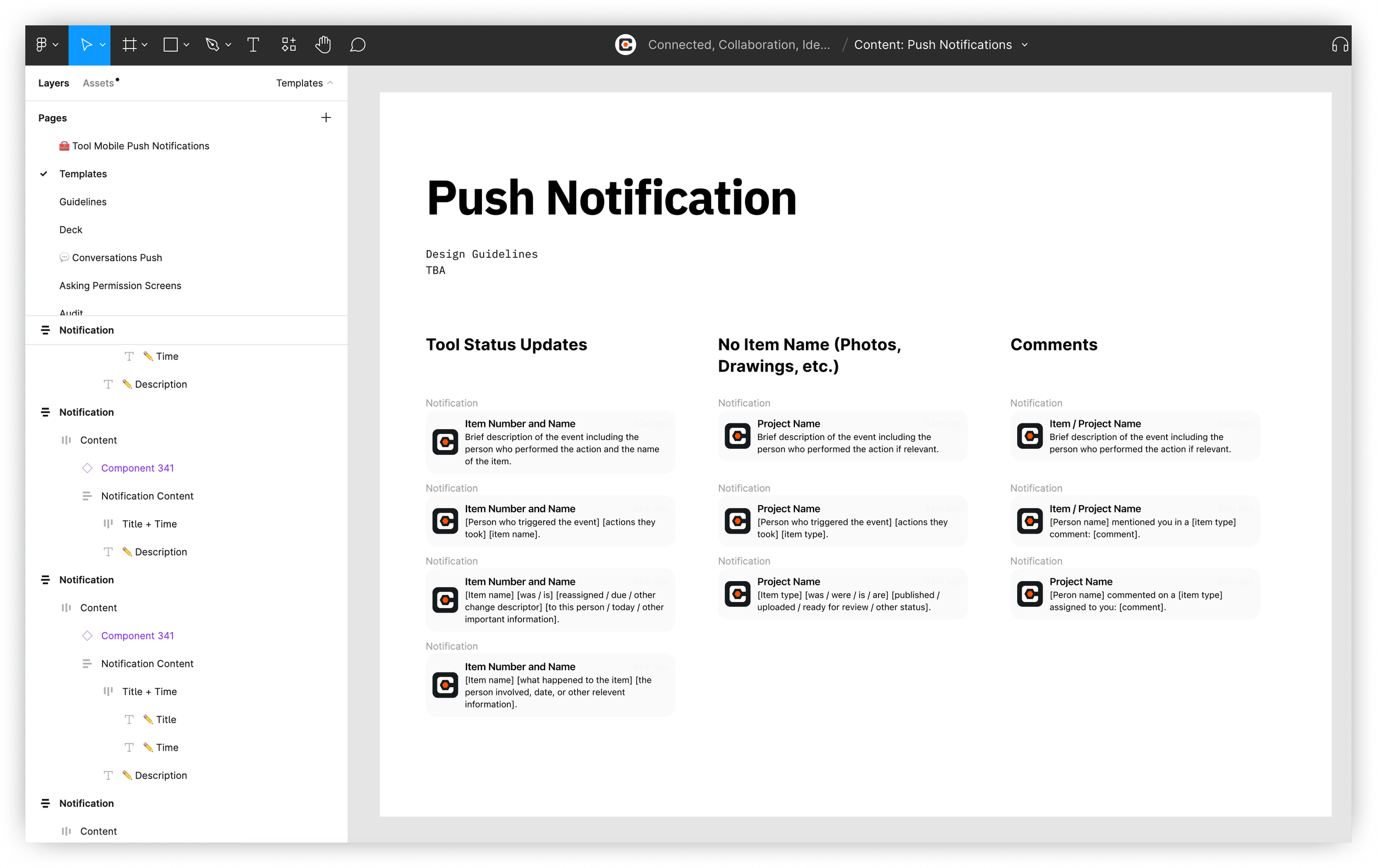
Components/Content Templates
I created content templates as Figma components to ensure push notification content is consistent across tools and notification events and follows our writing guidelines.
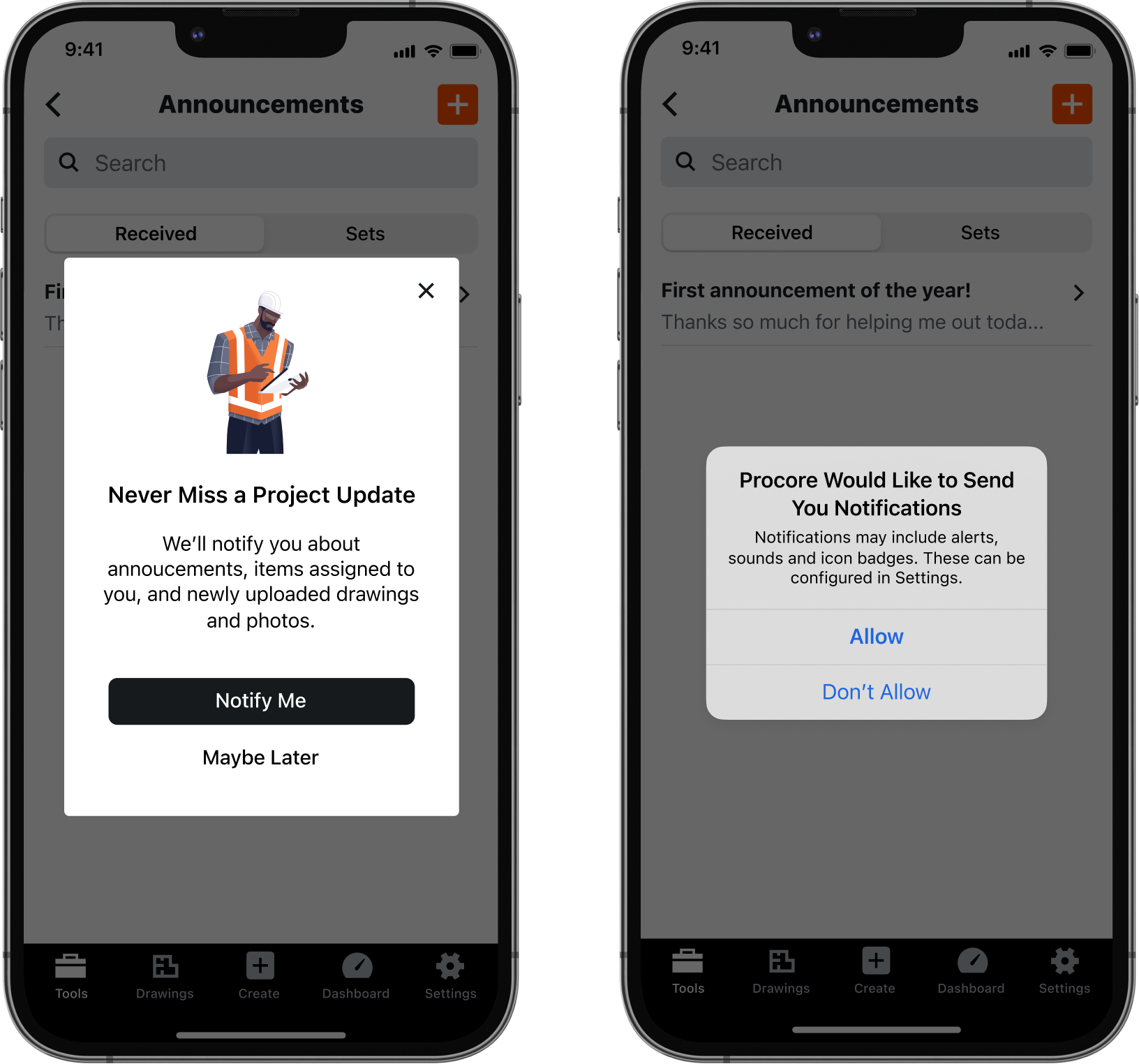
Improved Permissions Experience
I suggested displaying a custom permission message first to help increase opt-in rates.